
Model Context Protocol (MCP) finally gives AI models a way to access the business data needed to make them really useful at work. CData MCP Servers have the depth and performance to make sure AI has access to all of the answers.
Try them now for free →


Analyze Marketo Data in Infragistics Reveal
Use CData Connect Cloud to create on OData API on top of Marketo data and visualize live Marketo data in Infragistics Reveal.
Reveal, an offering from Infragistics, serves as a data visualization tool that seamlessly integrates with CData Connect Cloud. Together, they empower users to deliver dynamic dashboards using real-time data from a diverse range of data sources, including Marketo data. In this article, we will guide you through the process of connecting to Marketo via Connect Cloud and subsequently linking Connect Cloud with Infragistics Reveal to construct a straightforward dashboard.
Connect to Marketo from Infragistics Reveal
To work with live Marketo data in Infragistics Reveal, we need to connect to Marketo from Connect Cloud, provide user access to the connection, and create a Workspace for the Marketo data.
Connect to Marketo from Connect Cloud
CData Connect Cloud uses a straightforward, point-and-click interface to connect to data sources.
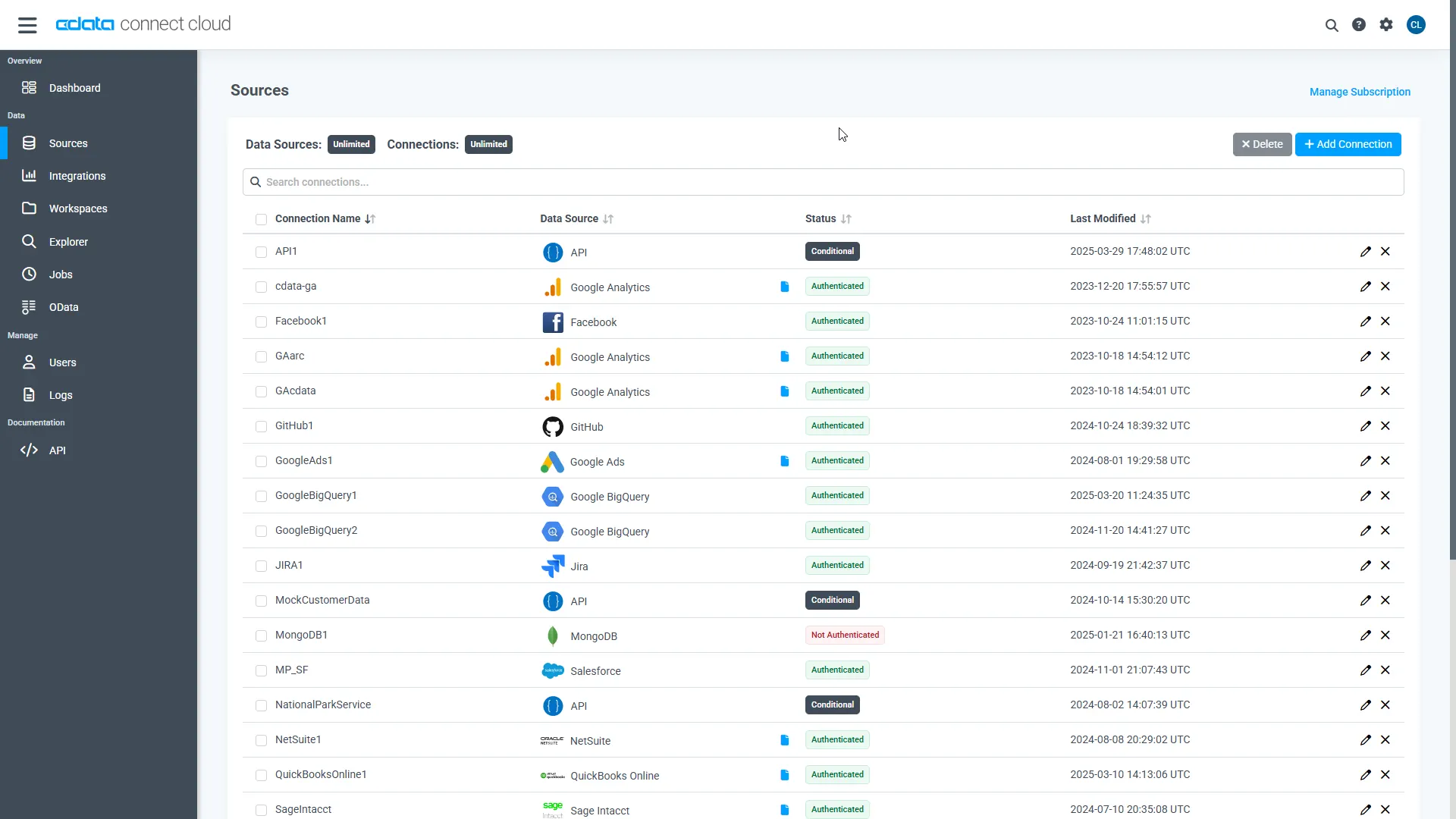
- Log into Connect Cloud, click Sources, and then click Add Connection
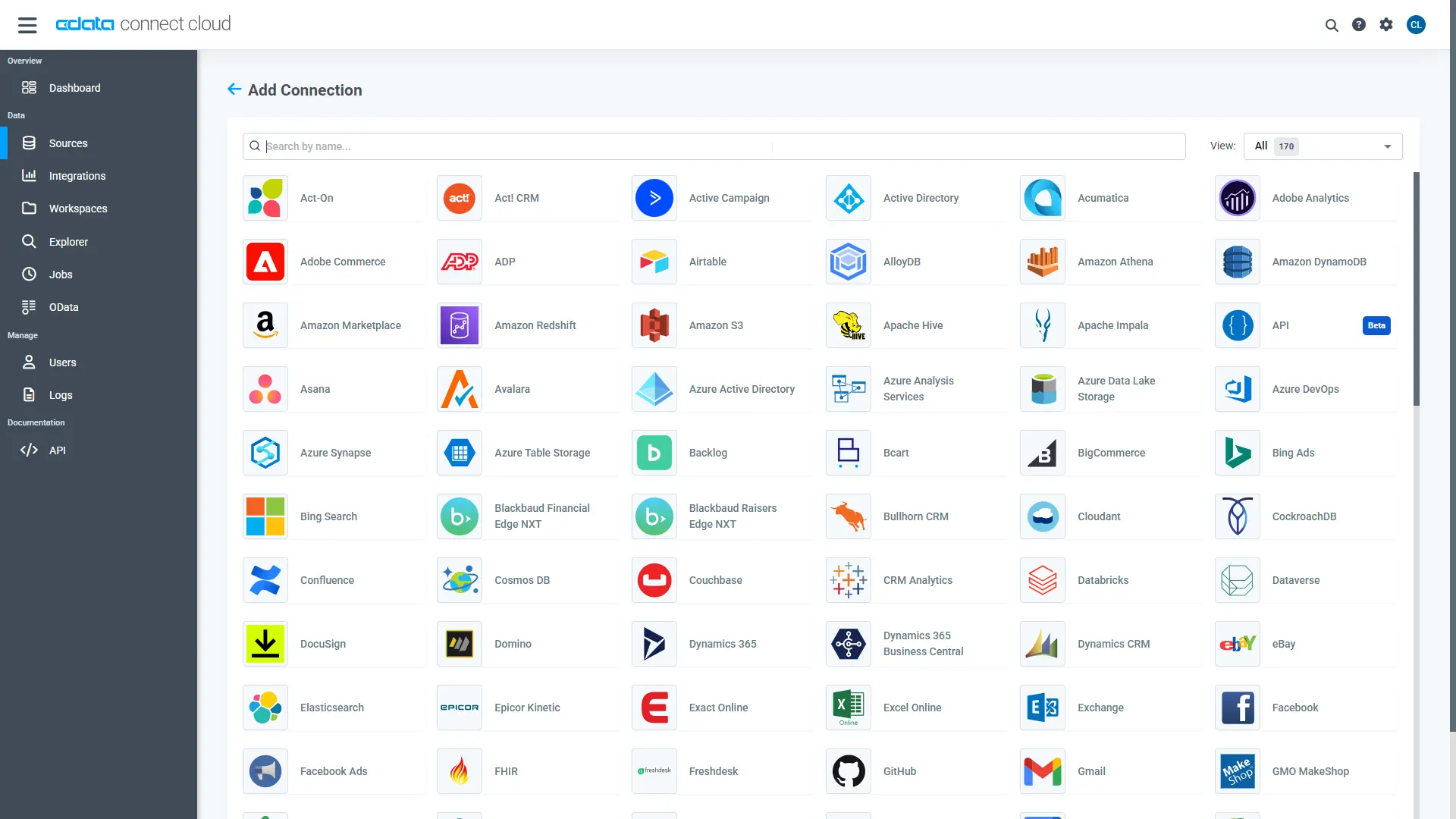
- Select "Marketo" from the Add Connection panel
-
Enter the necessary authentication properties to connect to Marketo.
Both the REST and SOAP APIs are supported and can be chosen by using the Schema property.
For the REST API: The OAuthClientId, OAuthClientSecret, and RESTEndpoint properties, under the OAuth and REST Connection sections, must be set to valid Marketo user credentials.
For the SOAP API: The UserId, EncryptionKey, and SOAPEndpoint properties, under the SOAP Connection section, must be set to valid Marketo user credentials.
See the "Getting Started" chapter of the help documentation for a guide to obtaining these values.
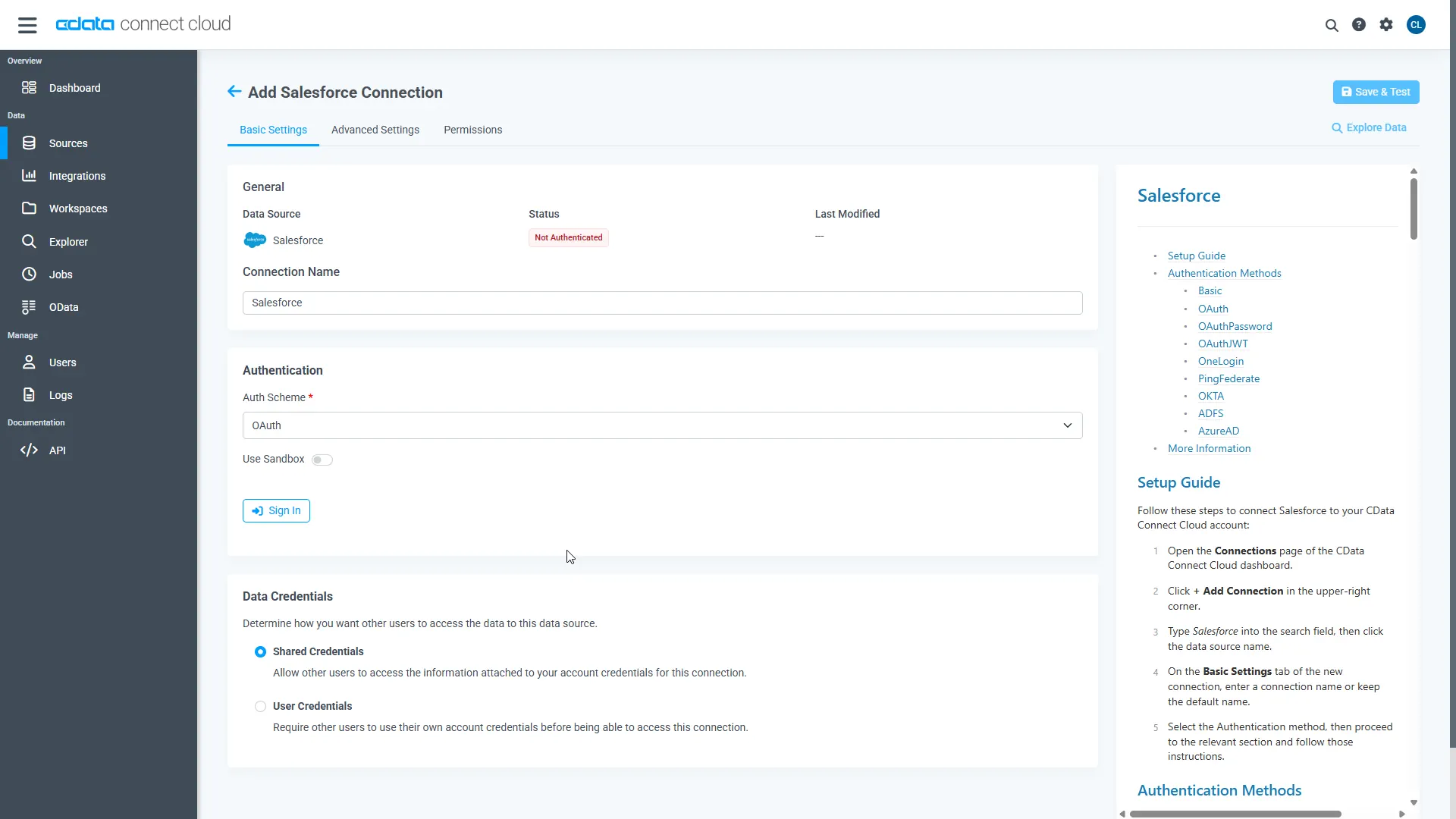
- Click Create & Test
-
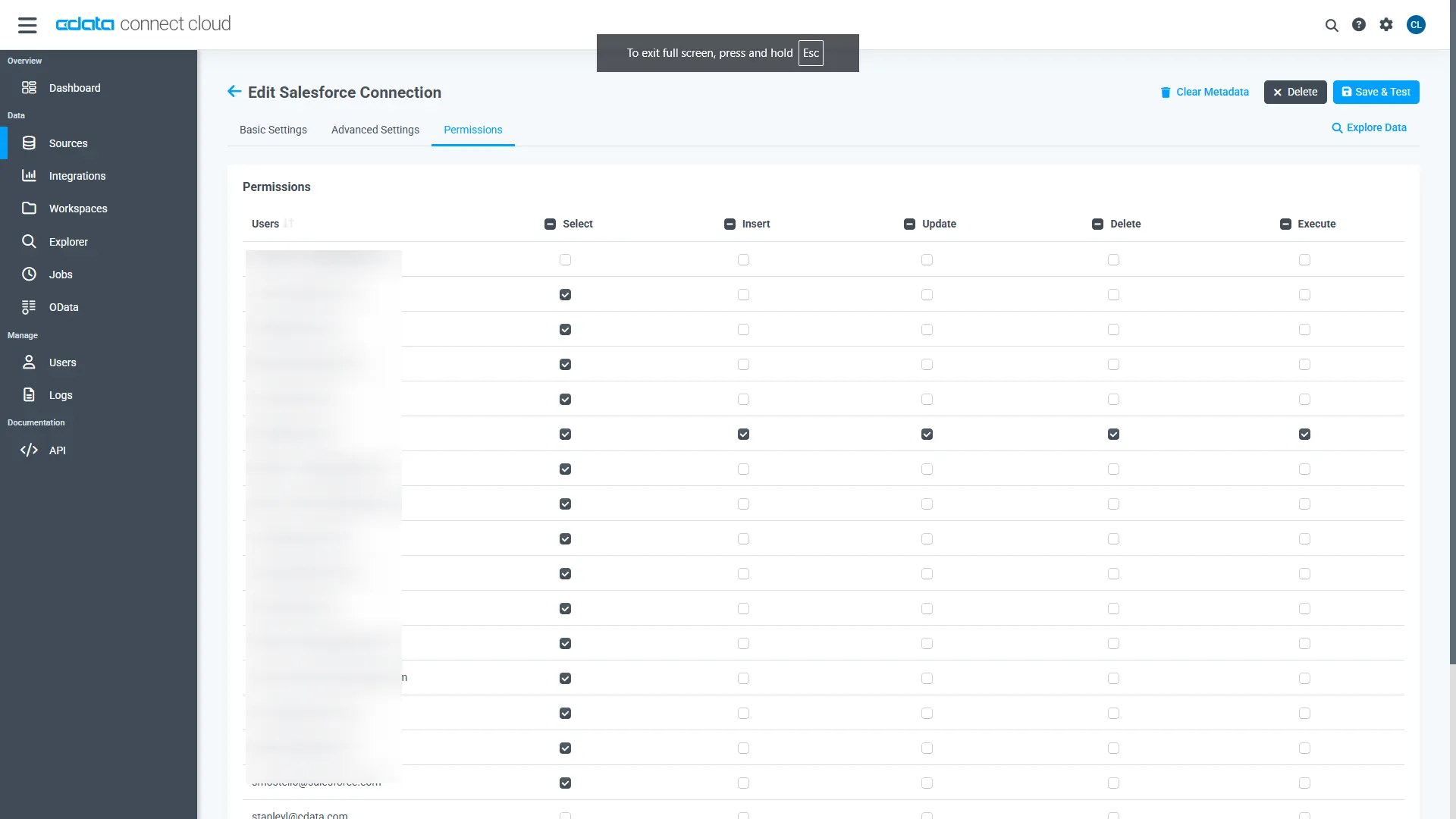
Navigate to the Permissions tab in the Add Marketo Connection page and update the User-based permissions.
Add a Personal Access Token
When connecting to Connect Cloud through the REST API, the OData API, or the Virtual SQL Server, a Personal Access Token (PAT) is used to authenticate the connection to Connect Cloud. It is best practice to create a separate PAT for each service to maintain granularity of access.
- Click on the Gear icon () at the top right of the Connect Cloud app to open the settings page.
- On the Settings page, go to the Access Tokens section and click Create PAT.
-
Give the PAT a name and click Create.
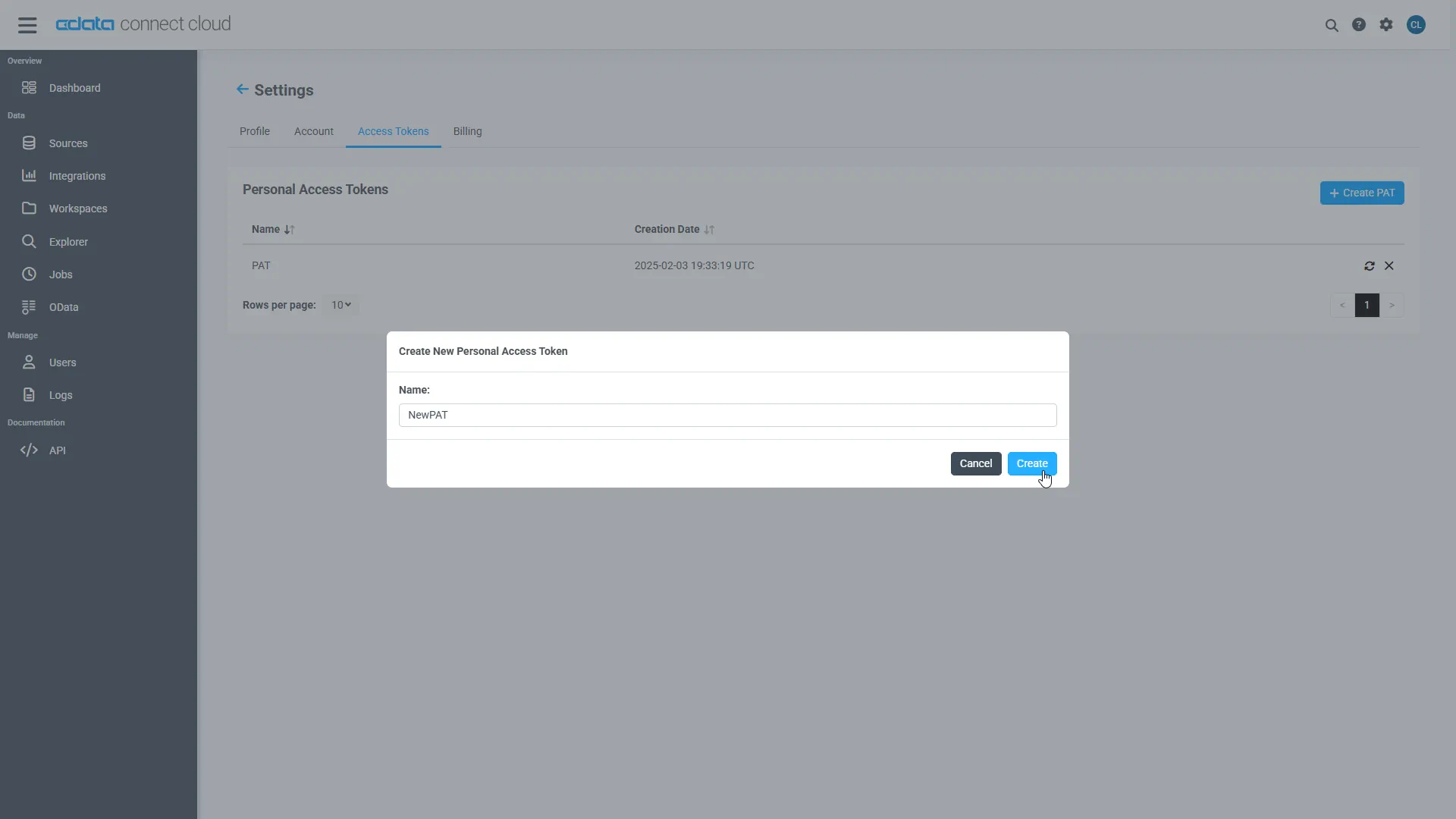
- The personal access token is only visible at creation, so be sure to copy it and store it securely for future use.
Configure Marketo Endpoints for Infragistics Reveal
After connecting to Marketo, create a workspace for your desired table(s).
-
Navigate to the Workspaces page and click Add to create a new Workspace (or select an existing workspace).
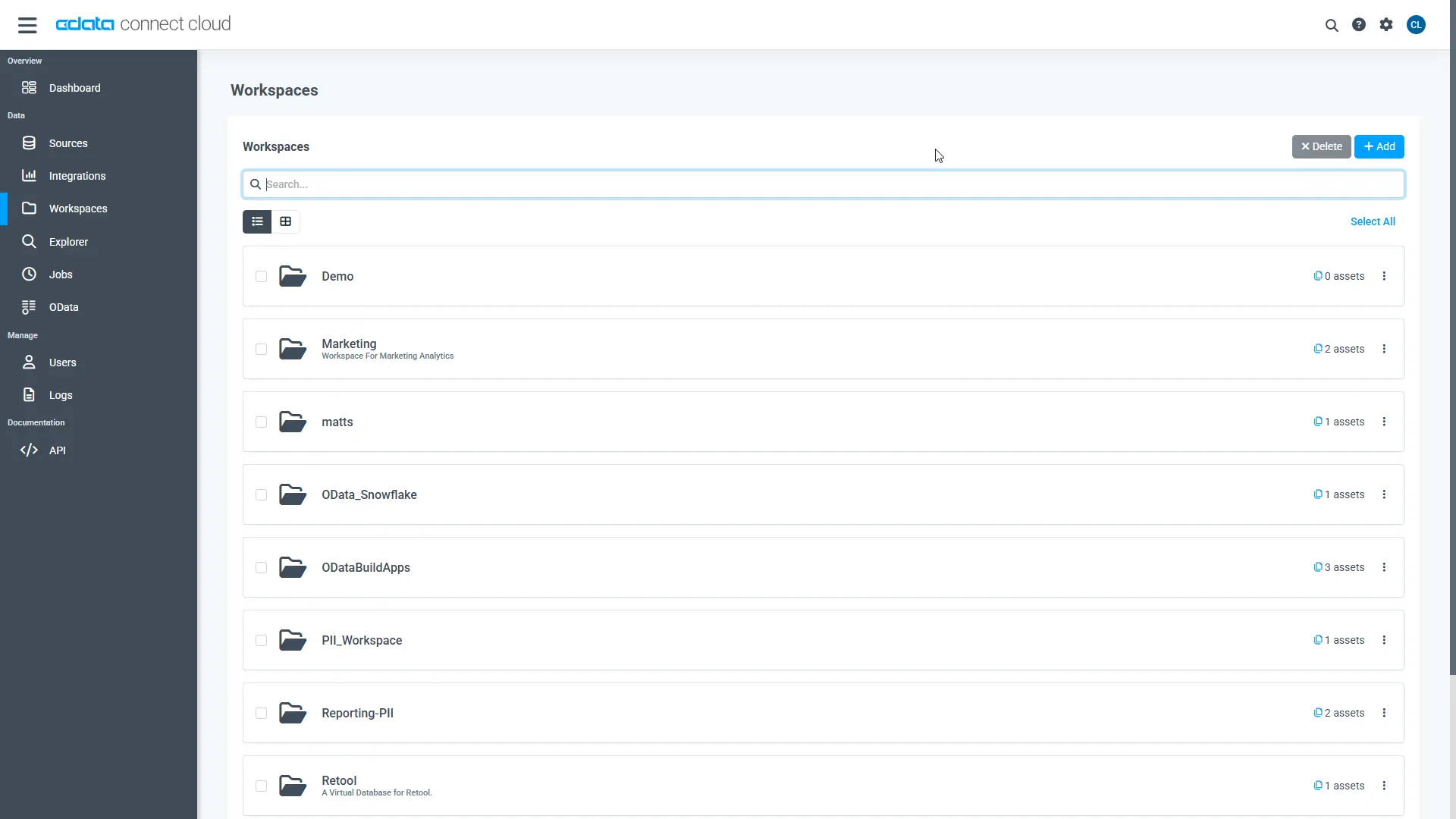
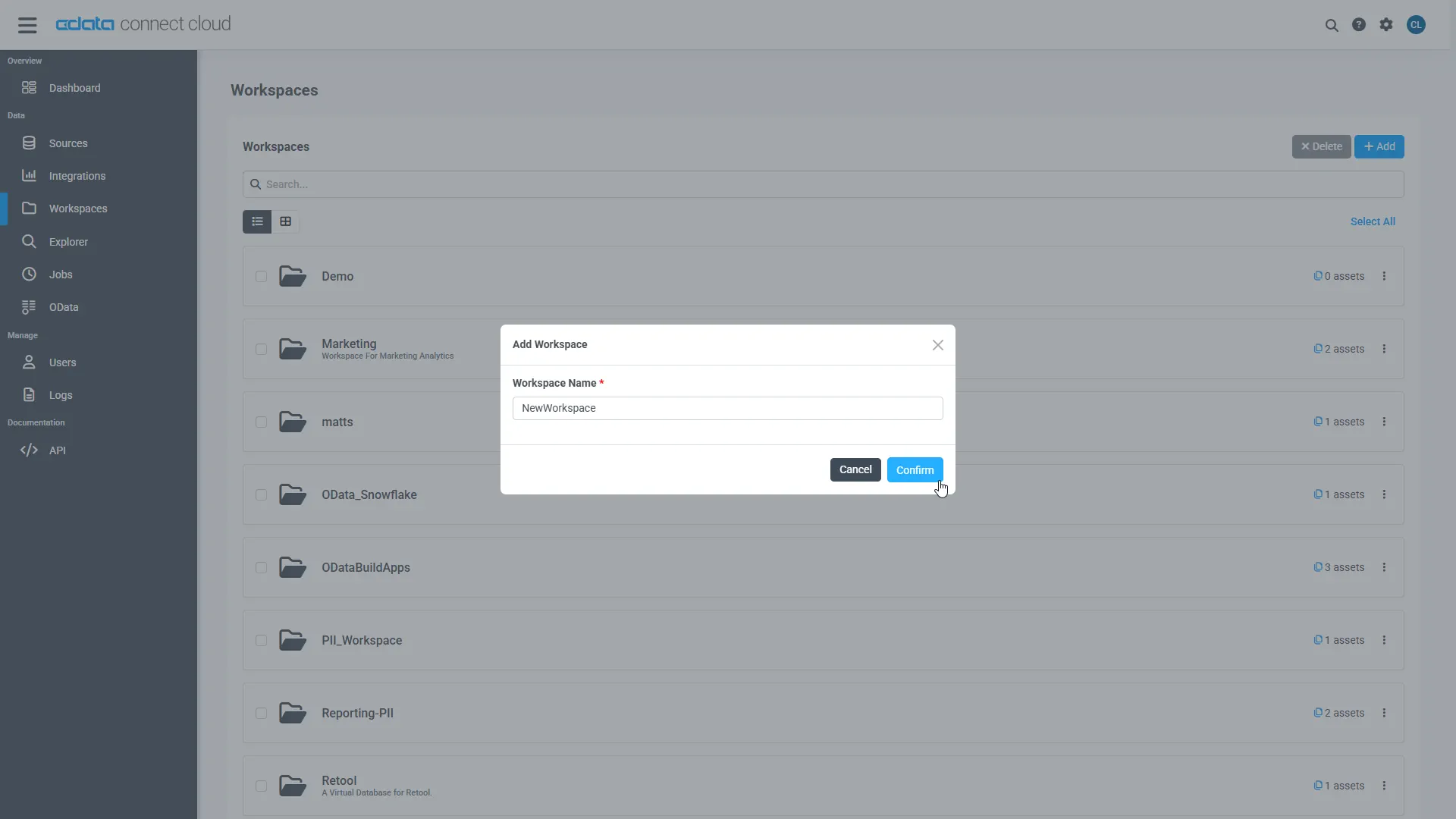
- Click Add to add new assets to the Workspace.
-
Select the Marketo connection (e.g. Marketo1) and click Next.
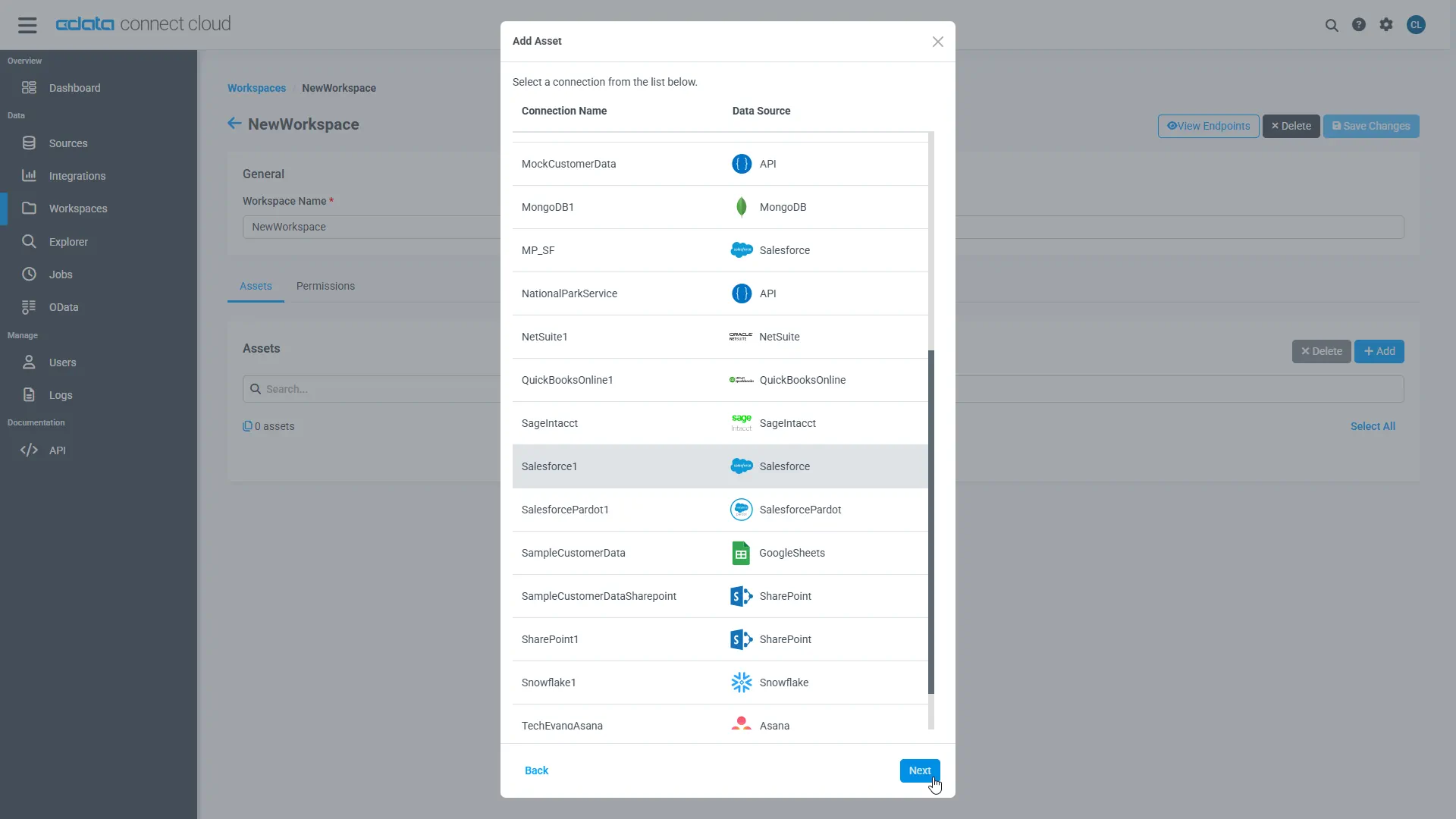
-
Select the table(s) you wish to work with and click Confirm.
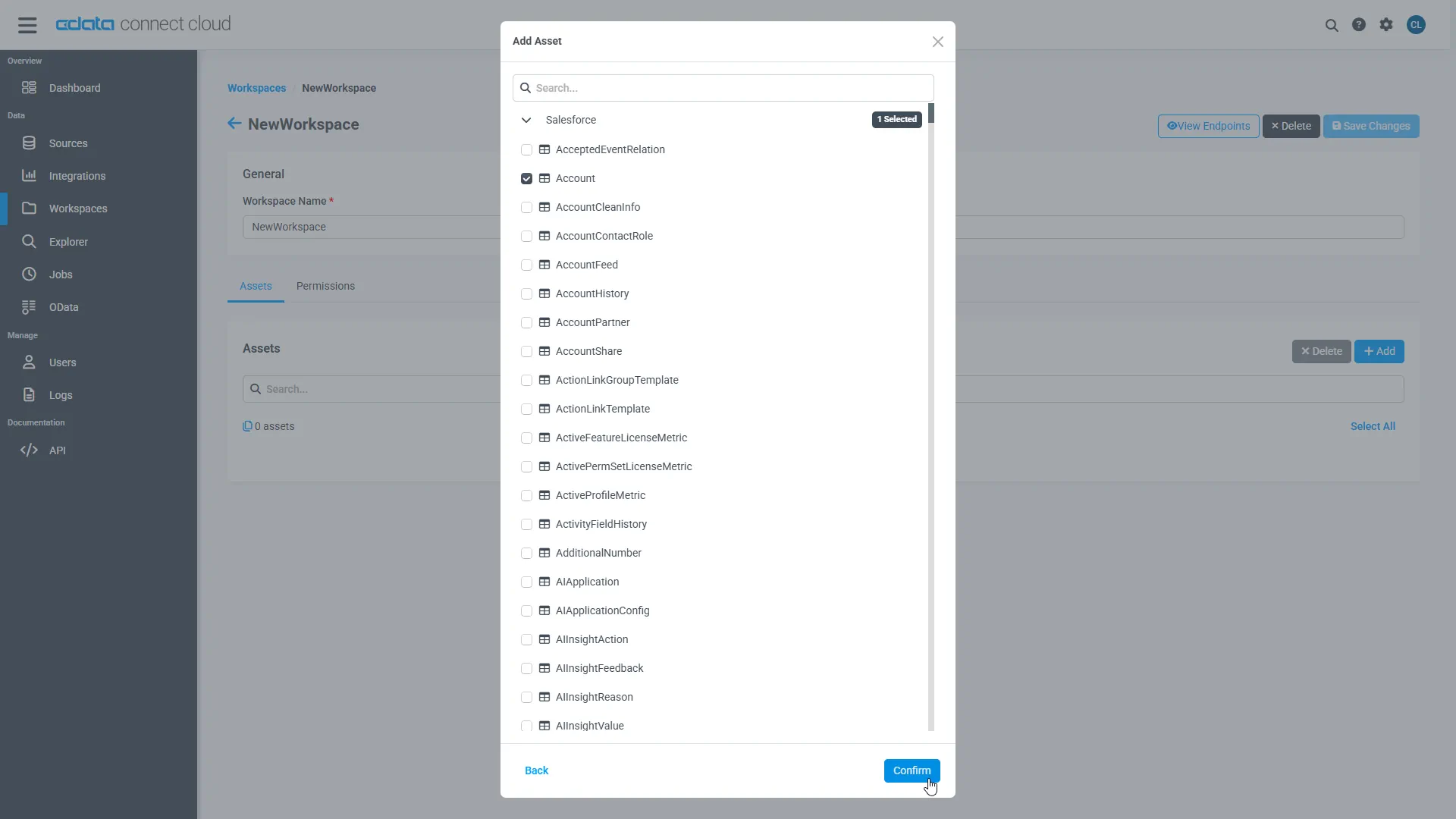
- Make note of the OData Service URL for your workspace, e.g. https://cloud.cdata.com/api/odata/{workspace_name}
With the connection, PAT, and Workspace configured, you are ready to connect to Marketo data from Infragistics Reveal.
Create a Dashboard in Reveal
With Connect Cloud configured, we can visualize Marketo data in Reveal.
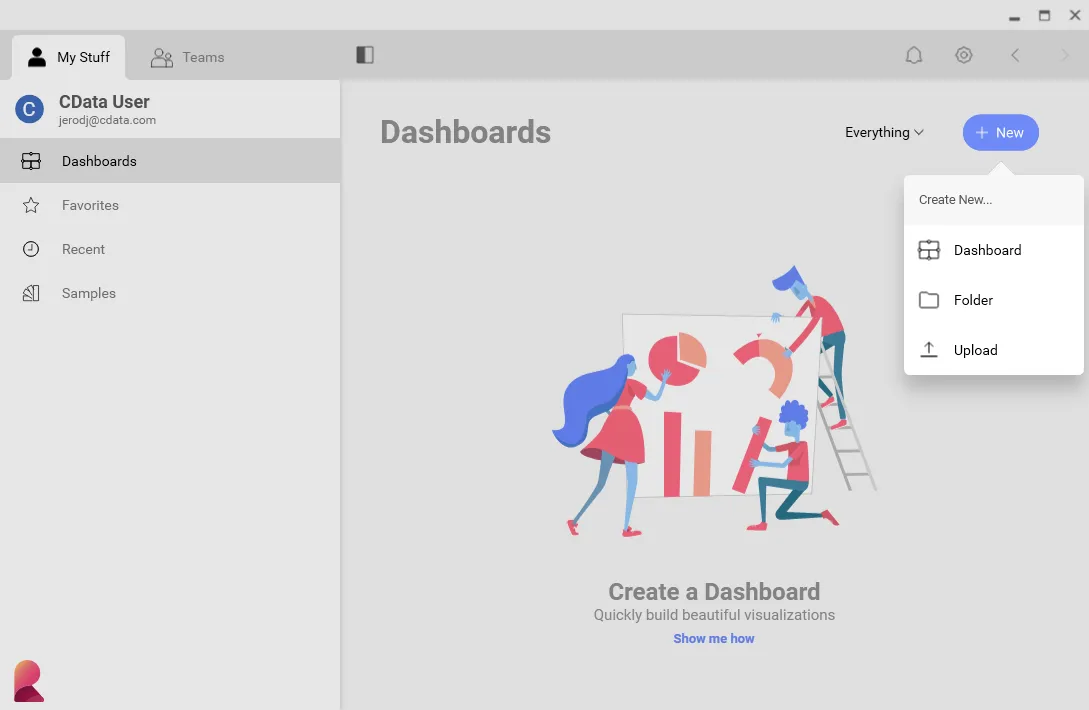
- Log into Reveal and click Dashboards -> New
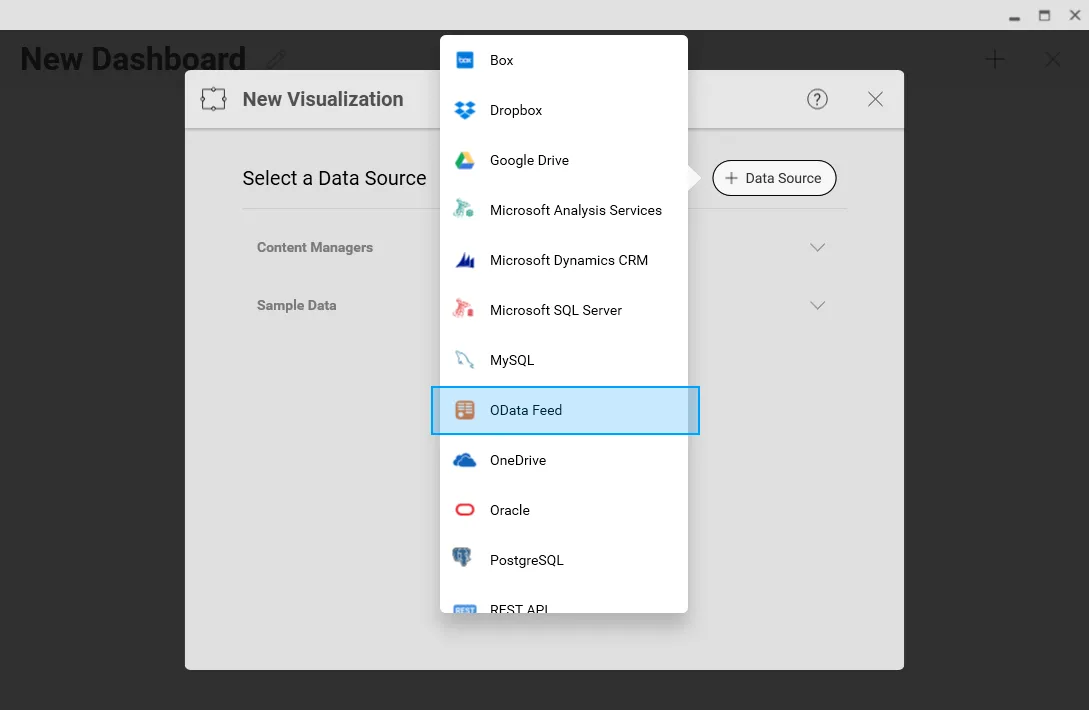
- Click Data Sources -> OData Feed
- Specify the Connect Cloud OData API endpoint URL (found on the OData page): https://cloud.cdata.com/api/odata/{workspace_name}
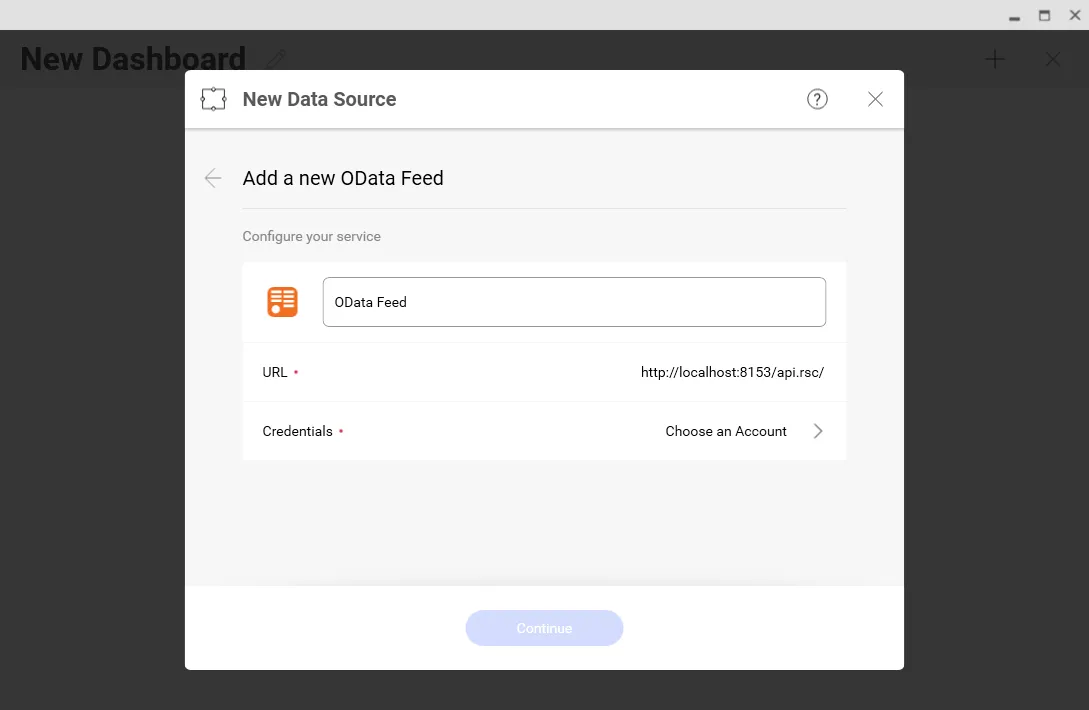
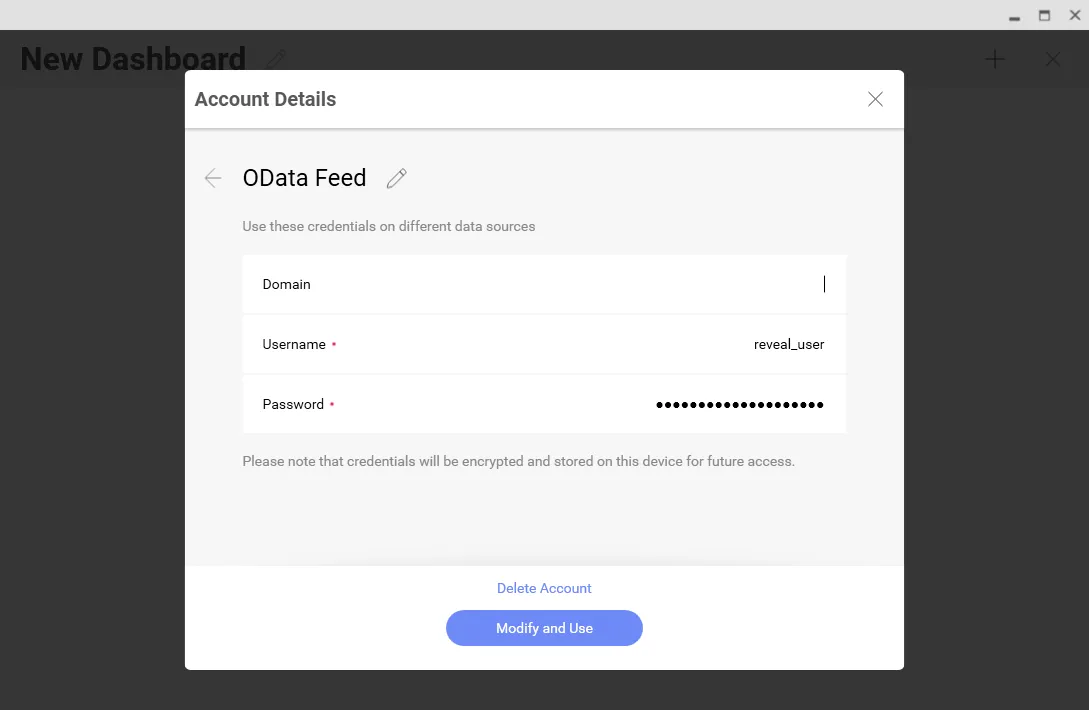
- Select Generic Credentials and
- Set Username to a Connect Cloud username (e.g. [email protected])
- Set Password to the PAT for the user
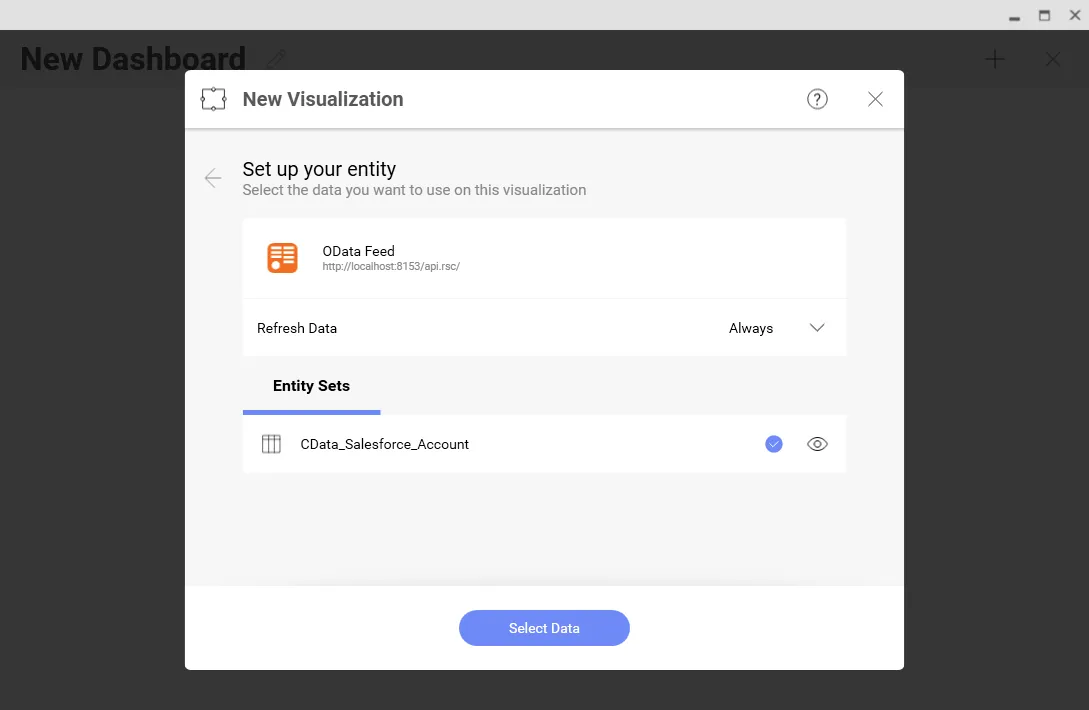
- Select the entity you wish to visualize
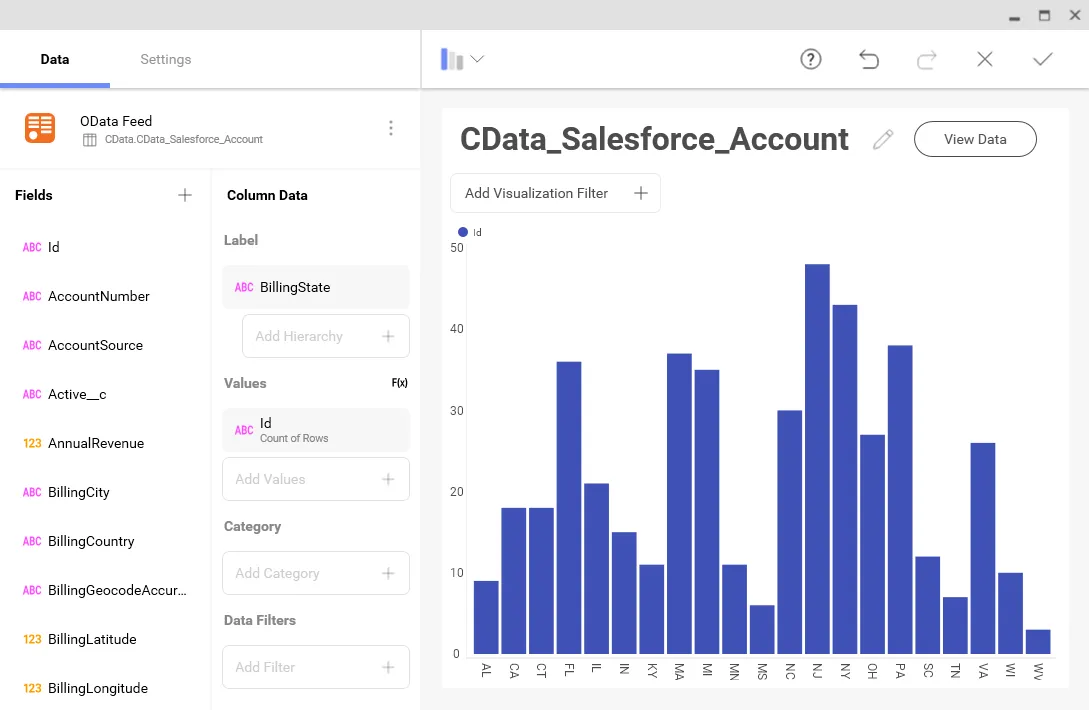
- Select fields and choose a chart type
More Information & Free Trial
At this point, you have created a simple dashboard from live Marketo data. For more information on creating OData feeds from Marketo (and more than 100 other sources), visit the Connect Cloud page. Sign up for a free trial and start working live Marketo data in tools that consume OData APIs.
