
Model Context Protocol (MCP) finally gives AI models a way to access the business data needed to make them really useful at work. CData MCP Servers have the depth and performance to make sure AI has access to all of the answers.
Try them now for free →


Import Real-Time WooCommerce Data via ODBC in ColdFusion to Build Applications
Use CData ODBC drivers to import and use WooCommerce data in ColdFusion.
Adobe ColdFusion is a web and mobile application development platform. It uses its own scripting language, ColdFusion Markup Language (CFML), to create data-driven websites as well as generate remote services, such as REST. When ColdFusion is paired with the CData ODBC Driver for WooCommerce, you can link your ColdFusion web and mobile applications to operational WooCommerce data. This allows for your applications to be more robust and complete. This article details how to use the ODBC driver to create a table populated with WooCommerce data from within a ColdFusion markup file.
To follow along with this tutorial, you need to install the CData ODBC Driver for WooCommerce and Adobe ColdFusion.
Configuring the Connection
If you have not already, first specify connection properties in an ODBC DSN (Data Source Name). This is the last step of the driver installation process. You can use the Microsoft ODBC Data Source Administrator to create and configure ODBC DSNs.
WooCommerce supports the following authentication methods: one-legged OAuth1.0 Authentication and standard OAuth2.0 Authentication.
Connecting using one-legged OAuth 1.0 Authentication
Specify the following properties (NOTE: the below credentials are generated from WooCommerce settings page and should not be confused with the credentials generated by using WordPress OAuth2.0 plugin):
- ConsumerKey
- ConsumerSecret
Connecting using WordPress OAuth 2.0 Authentication
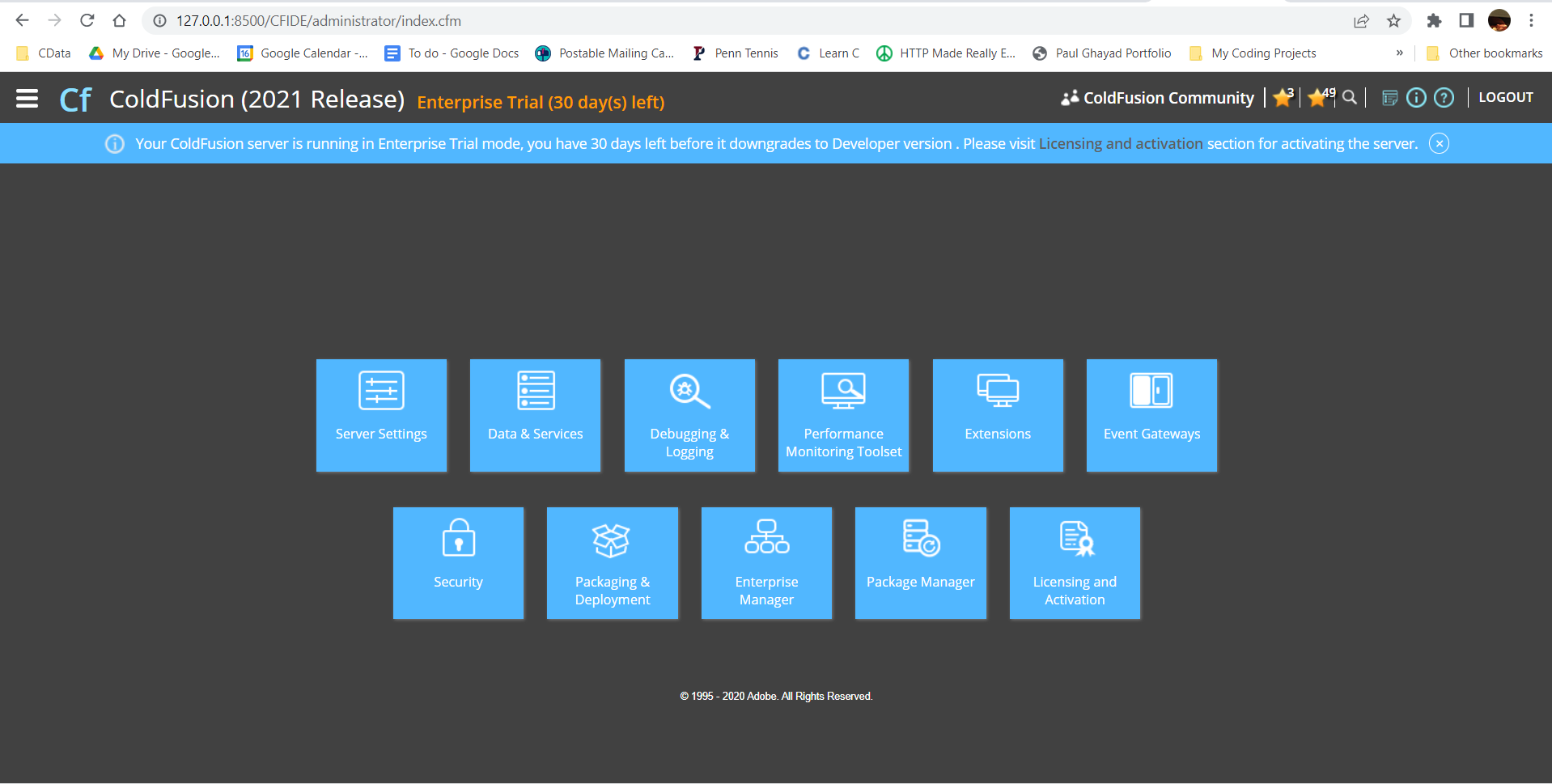
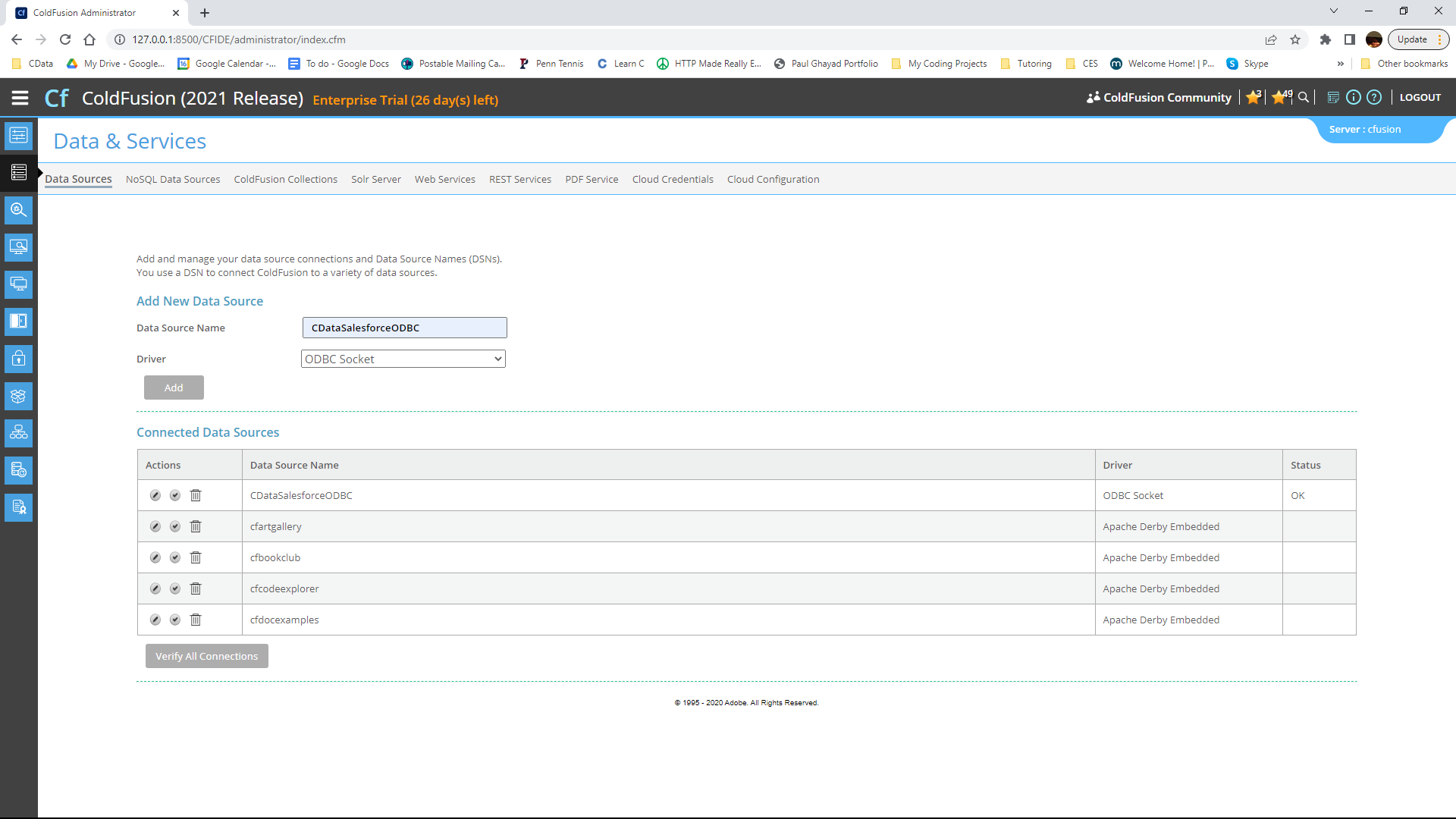
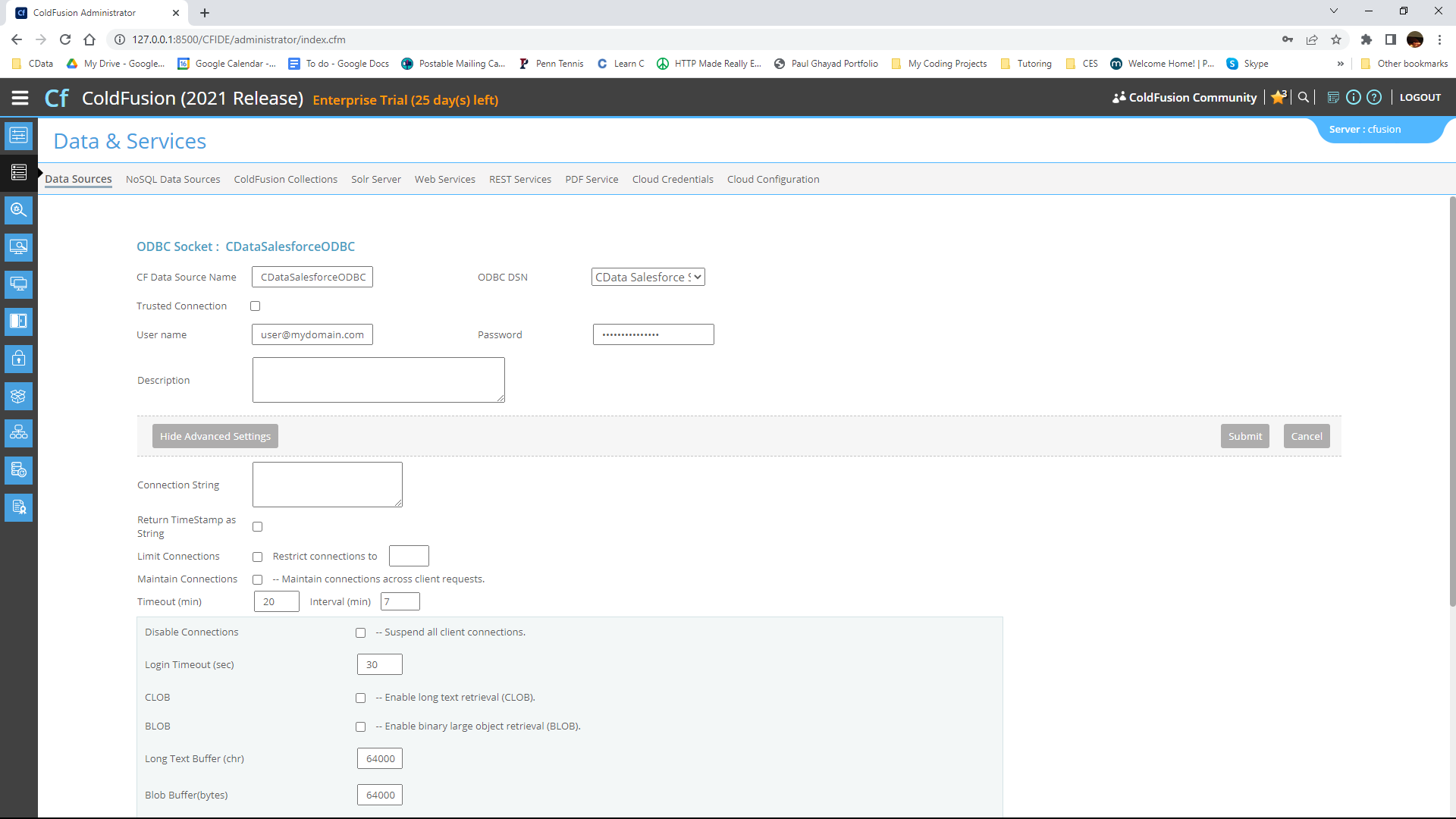
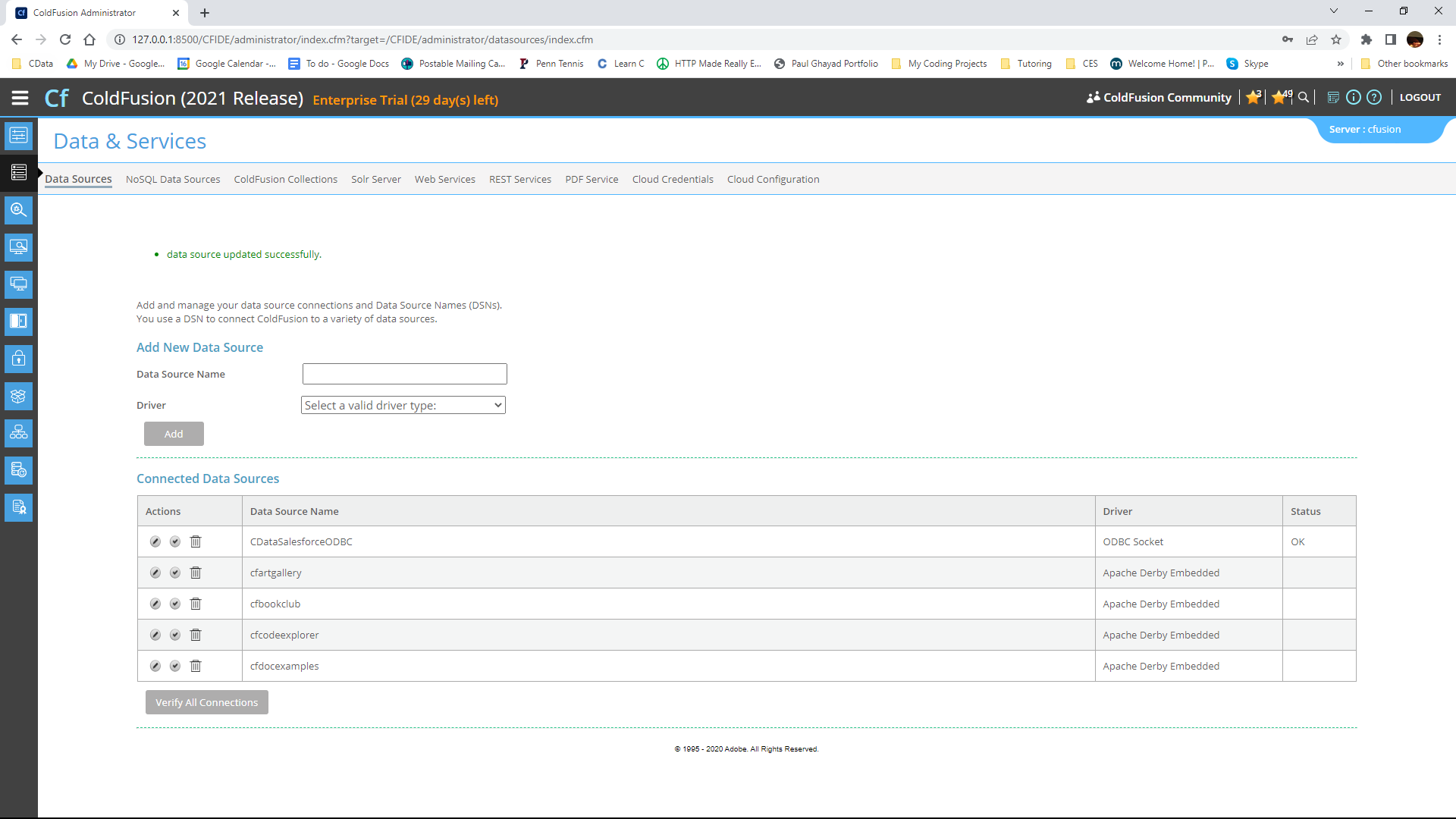
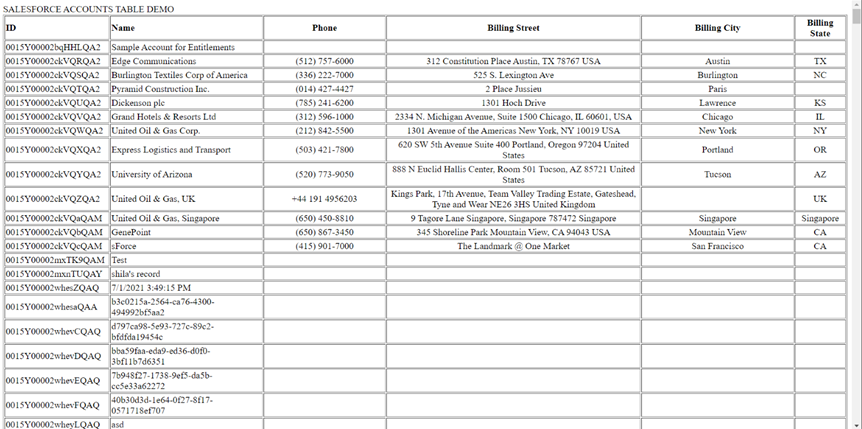
Get Started Today
Download a free, 30-day trial of the CData ODBC Driver for WooCommerce and start building WooCommerce-connected applications with Adobe ColdFusion. Reach out to our Support Team if you have any questions.
Ready to get started?
Download a free trial of the WooCommerce ODBC Driver to get started:
Download NowLearn more:
 WooCommerce ODBC Driver
The WooCommerce ODBC Driver is a powerful tool that allows you to connect with live data from WooCommerce, directly from any applications that support ODBC connectivity.
Access WooCommerce data like you would a database - read, write, and update WooCommerce Customers, Products, Orders, Transactions, etc. through a standard ODBC Driver interface.
